

B2B e-commerce built for Fishbowl.
Give your customers a self-service ordering portal that stays perfectly in sync with Fishbowl. Products, pricing, inventory across every warehouse, customer accounts, and orders — all connected natively. No middleware. No manual entry.
Fishbowl is great at inventory. But your customers can't see any of it.
You've invested in Fishbowl to run your warehouse. Kinein puts that data to work by giving your customers a portal to browse, order, and reorder — all backed by up-to-date Fishbowl data.
- Customers call or email to check if something is in stock
- Your team re-keys every order from emails into Fishbowl
- Price lists go out in spreadsheets that are outdated by next week
- Inventory across multiple warehouses? Good luck communicating that
- Reps flip between systems to place orders on behalf of customers
- Customers see up-to-date inventory from every Fishbowl warehouse
- Orders push directly into Fishbowl as sales orders — zero re-keying
- Each customer sees their own negotiated pricing, always up to date
- Multi-warehouse availability displayed right on product pages
- Reps order for customers using the same portal, same pricing rules
What syncs between Kinein and Fishbowl.
Bidirectional, native integration. Your Fishbowl data powers your storefront. Online orders push back into Fishbowl automatically.
Products & SKUs
Product names, descriptions, SKUs, UPCs, categories, and custom fields sync from Fishbowl to your storefront. Add a product in Fishbowl — it shows up online.
Customer-Specific Pricing
Fishbowl price rules and customer-specific pricing flow into the storefront. Each customer logs in and sees their negotiated prices — no price lists to maintain separately.
Multi-Warehouse Inventory
Inventory quantities across all your Fishbowl warehouse locations sync to the storefront. Customers see up-to-date availability before they order — with the option to show stock by warehouse.
Customer Accounts
Customer name, email, default address, payment terms, tax exemptions, and custom fields — pulled straight from Fishbowl and kept up to date.
Sales Orders
When a customer places an order online, it pushes into Fishbowl as a sales order automatically — with line items, quantities, pricing, and customer info already filled in.
Payment Terms & Tax
Net 30, COD, prepay — whatever terms you've set per customer in Fishbowl carry over to checkout. Tax exemptions and tax codes sync too. Need more advanced tax automation? We integrate with Avalara.
Built for the way Fishbowl teams actually work.
We didn't bolt on a generic connector. Kinein understands Fishbowl's data model — warehouses, parts, pricing rules, and all.
Every warehouse. One storefront.
Running multiple Fishbowl warehouse locations? Your customers see inventory availability for each one. Whether you've got two warehouses or twenty, quantities stay up to date and display right on the product page. No more phone calls asking "do you have this in stock?"
- Inventory synced per Fishbowl warehouse location
- Customers see availability by warehouse before ordering
- Configurable sync schedules — as frequent as you need
- Out-of-stock products can be hidden or shown with backorder options
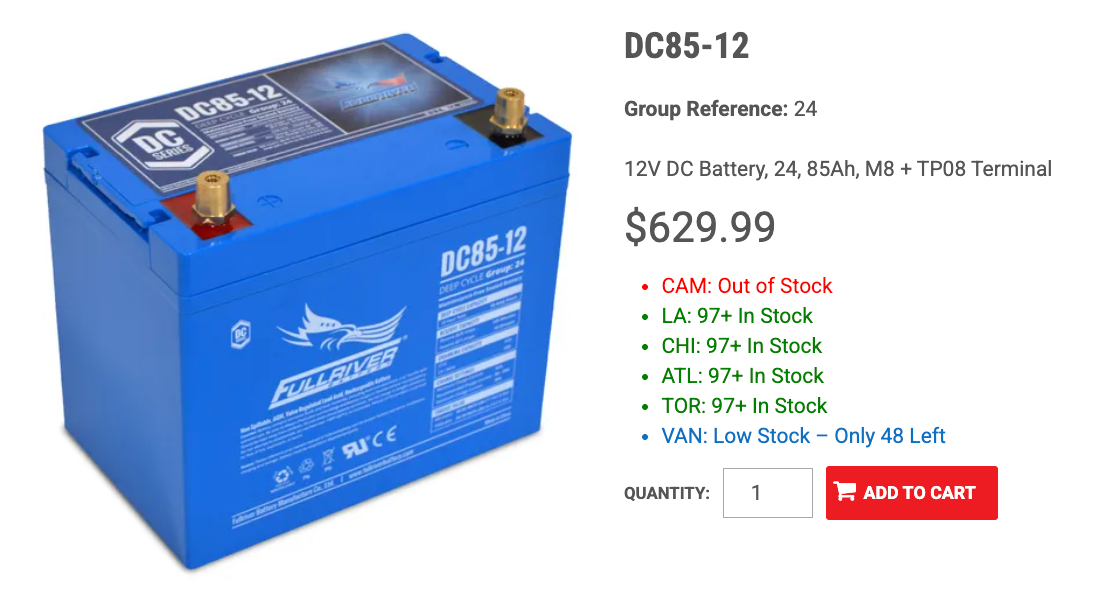
Their price. Their catalog. Automatically.
You've already set up pricing rules in Fishbowl — price levels, customer-specific pricing, quantity breaks. Kinein pulls all of that in so each customer sees exactly what they should when they log in. No separate price lists. No spreadsheets. The prices your customers see online are the same ones in your books.
- Fishbowl price rules inherited automatically
- Customer-specific pricing displayed after logging in
- Control which products each customer can see and order
- Pricing updates flow through on the next sync
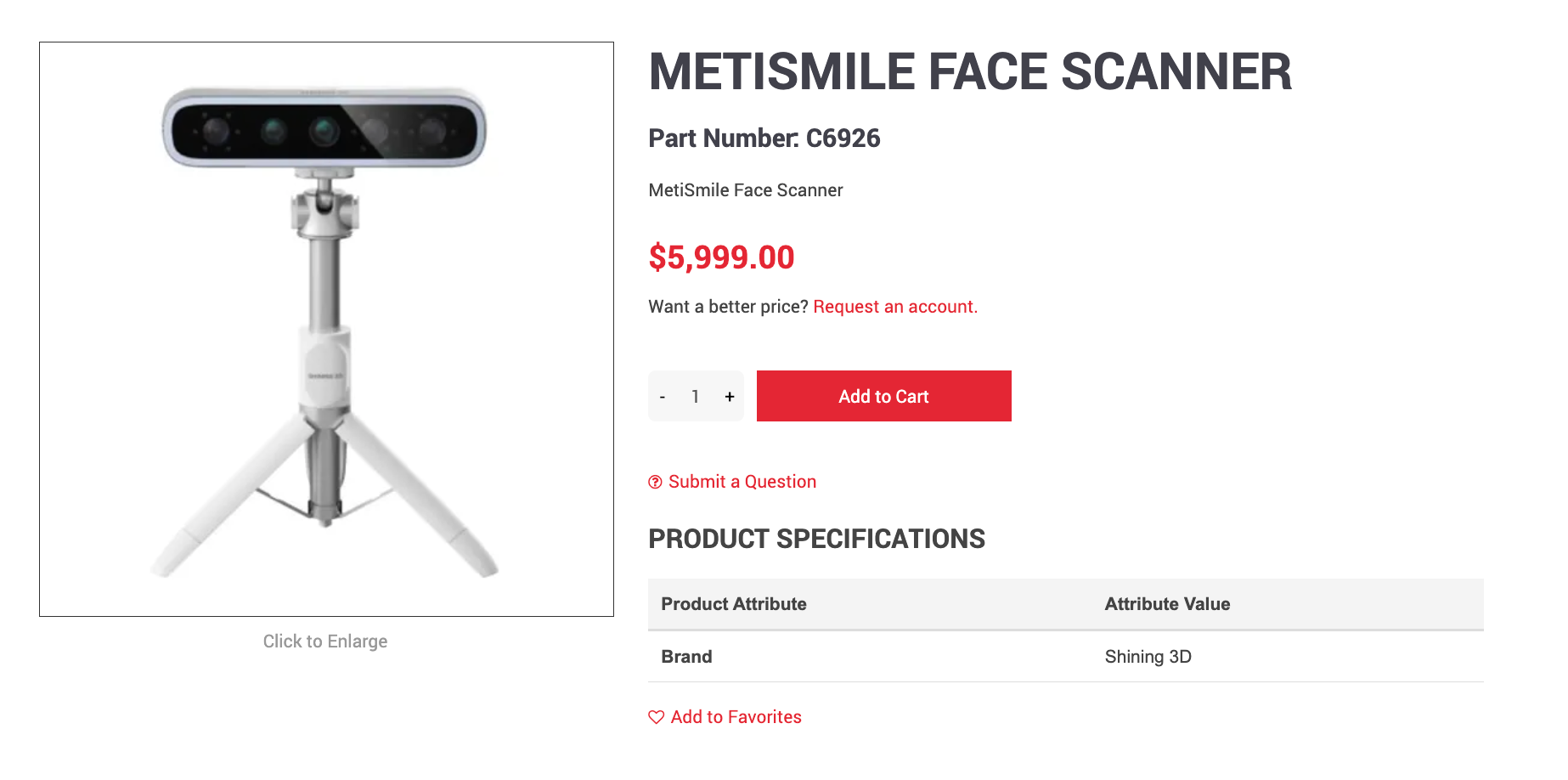
Orders go straight into Fishbowl.
When a customer places an order on your storefront, it shows up in Fishbowl as a sales order — line items, pricing, customer info, ship-to address, and all. No re-keying. No copy-pasting from emails. Your warehouse team picks, packs, and ships from Fishbowl like they always do.
- Online orders create Fishbowl sales orders automatically
- Line items, quantities, and pricing pre-filled
- Customer and shipping info mapped to Fishbowl records
- Your existing pick, pack, ship workflow stays the same
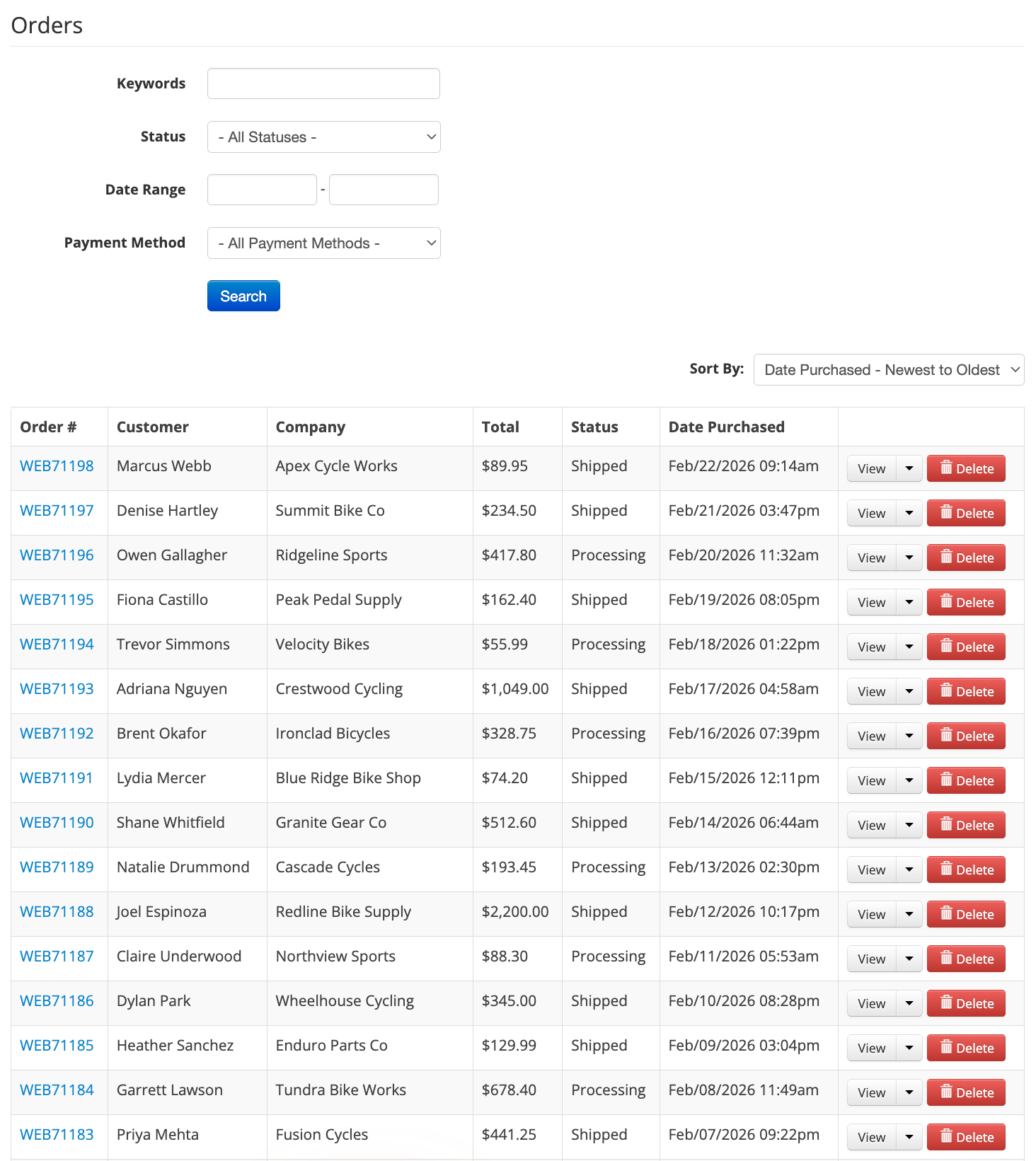
Already using Fishbowl with QuickBooks? Perfect.
Most Fishbowl users run QuickBooks alongside it for accounting. Kinein connects to Fishbowl for inventory, products, and order fulfillment — while QuickBooks handles the financial side. Your existing Fishbowl-to-QuickBooks sync stays untouched. We layer on top without disrupting anything.
- Kinein connects to Fishbowl — your Fishbowl-QuickBooks sync stays as-is
- Inventory and products managed in Fishbowl, financials in QuickBooks
- No conflict between systems — each tool does what it does best
- One storefront, two backend systems, zero headaches
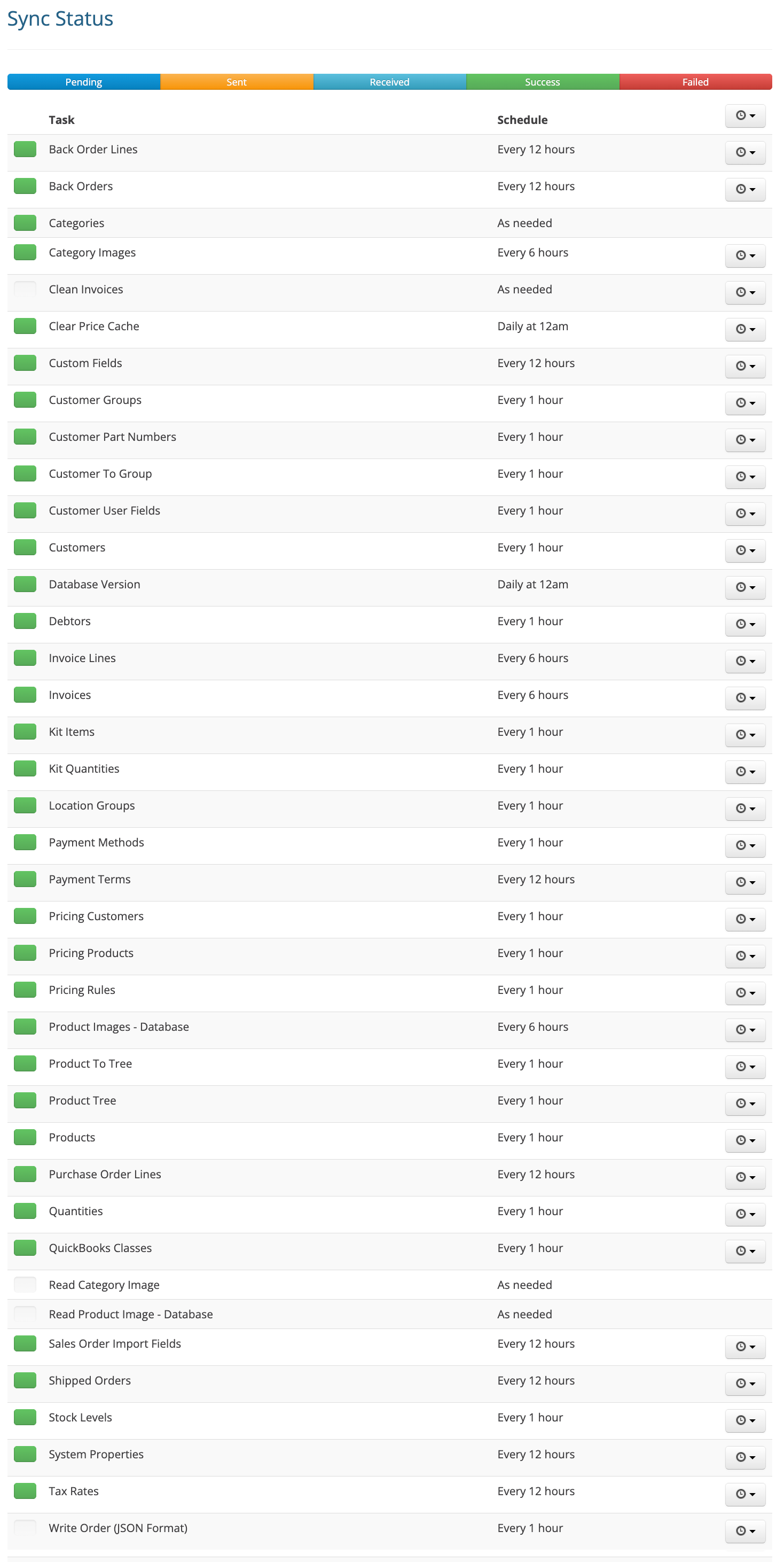
What your customers get.
A self-service ordering experience backed by up-to-date Fishbowl data. They can finally answer their own questions.
Browse & Search
Your full Fishbowl product catalog with categories, search, and images. Customers find what they need without calling you.
Their Pricing
Each customer sees their own negotiated prices pulled from Fishbowl. No confusion, no callbacks to confirm.
Stock Levels
Up-to-date inventory from your Fishbowl warehouses. They know what's available before they place an order.
Quick Reordering
Order templates, reorder from history, and quick order by SKU. Repeat buyers check out in seconds.
Order History & Invoices
Customers view past orders, track current ones, and check invoices — all in their self-service portal.
Mobile Ordering
Fully responsive — works on phones and tablets. Orders from the warehouse floor, trade show, or loading dock.
Up and running with Fishbowl in three steps.
White-glove onboarding. We handle the technical setup — you focus on your business.
Connect Fishbowl
We connect directly to your Fishbowl instance — no middleware, no Zapier chains. We'll hop on a call, walk you through the setup, and get your products, prices, customer lists, and inventory flowing in automatically.
Customize your storefront
This is white-glove onboarding. We handle the data mapping, customer group setup, pricing rules, product visibility, and payment terms. You supply your data and images — we make it shoppable.
Start selling online
Your customers can finally answer three questions on their own: Is it in stock? What's my price? How do I place an order? Every order syncs back to Fishbowl automatically. No phone calls. No double-entry.
Common questions from Fishbowl teams.
Does Kinein replace Fishbowl?
Not at all. Fishbowl stays your inventory and warehouse management system. Kinein adds a customer-facing storefront on top — connected directly to your Fishbowl data. Think of it as the online front door to your Fishbowl backend.
We use Fishbowl with QuickBooks. Does that work?
Absolutely — and it's our most common setup. Kinein connects to Fishbowl for products, inventory, and order fulfillment. Your existing Fishbowl-to-QuickBooks integration stays untouched. We layer on top without disrupting your accounting workflow.
How often does inventory sync?
You control the schedule. Most customers sync inventory every hour, which keeps things current enough that nobody runs into issues with ordering. Products, pricing, and customer data have their own configurable schedules too.
We have multiple warehouses in Fishbowl. Can customers see stock by location?
Yes. Inventory syncs per warehouse location, and customers can see availability by warehouse on the product page. You control which warehouses are visible to which customers.
What happens when someone places an order online?
The order pushes into Fishbowl as a sales order — either an estimate or an issued sales order, depending on your preference. Line items, quantities, pricing, customer info, and shipping address are already filled in. Your warehouse team picks, packs, and ships from Fishbowl just like they would with any other order.
How long does setup take?
Most Fishbowl customers are up and running in about eight weeks for our base package, and around twelve to sixteen weeks for more customized setups. We handle the data mapping, server connections, and storefront configuration. You supply your product images and any customization preferences, and we take care of the rest.
See Kinein connected to Fishbowl.
Book a 60-minute discovery call. We'll walk through your setup, show you a real environment connected to Fishbowl, and map out exactly how it works with your data.